Furry Rave Screensaver Download Info
Download Windows Installer (.exe)Project Screenshots
System Requirements
- Windows 10 / 11 64-bit
- DirectX 11 compatible graphics card
- Storage: 200MB available space
Installation Instructions
- Click the "Download Windows Installer" button above.
- Open the downloaded `.exe` file.
- Click "Install" and wait for the process to complete.
- Navigate to your Windows Screensaver Settings to select "Furry Rave".
Why You'll Love Furry Rave Screensaver
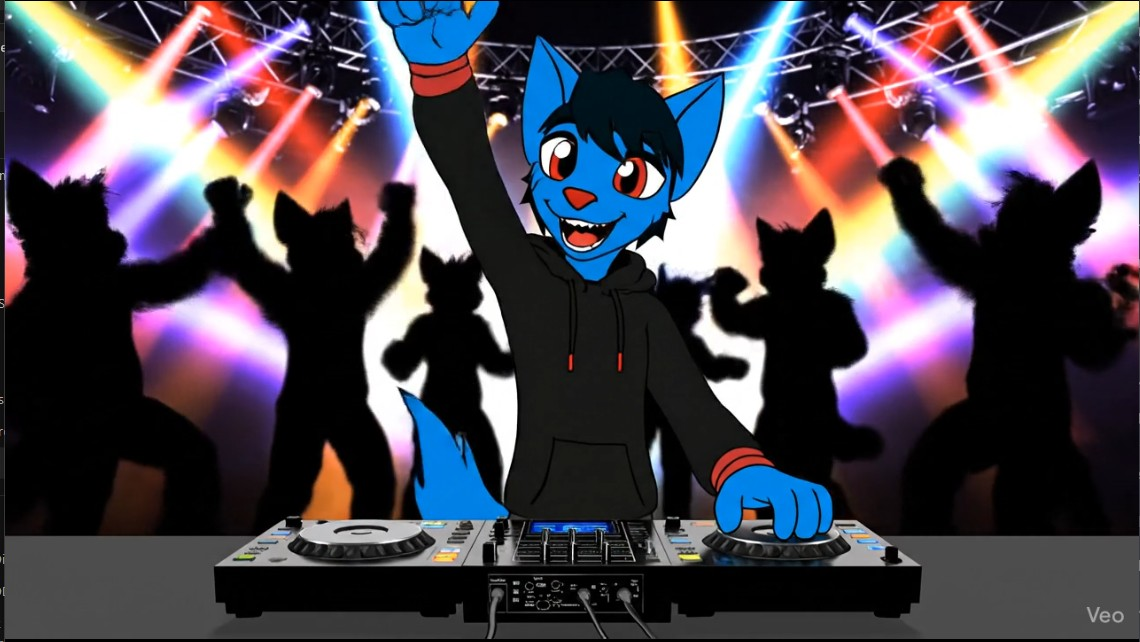
Furry Rave Screensaver transforms your desktop into a vibrant, high-energy party. It's not just a video; it's a carefully optimized experience designed to bring life to your workspace when you're away. Original art by FA: Imfoxy1337, fed to veo for animation- and then painstakingly programmed into a .scr for you to enjoy! This is the only true furry fandom screensaver for windows in existance! More coming soon!!
High-Quality Video
Smoothly loops this adorable animation in full-screen glory, ensuring zero visible seams during playback.
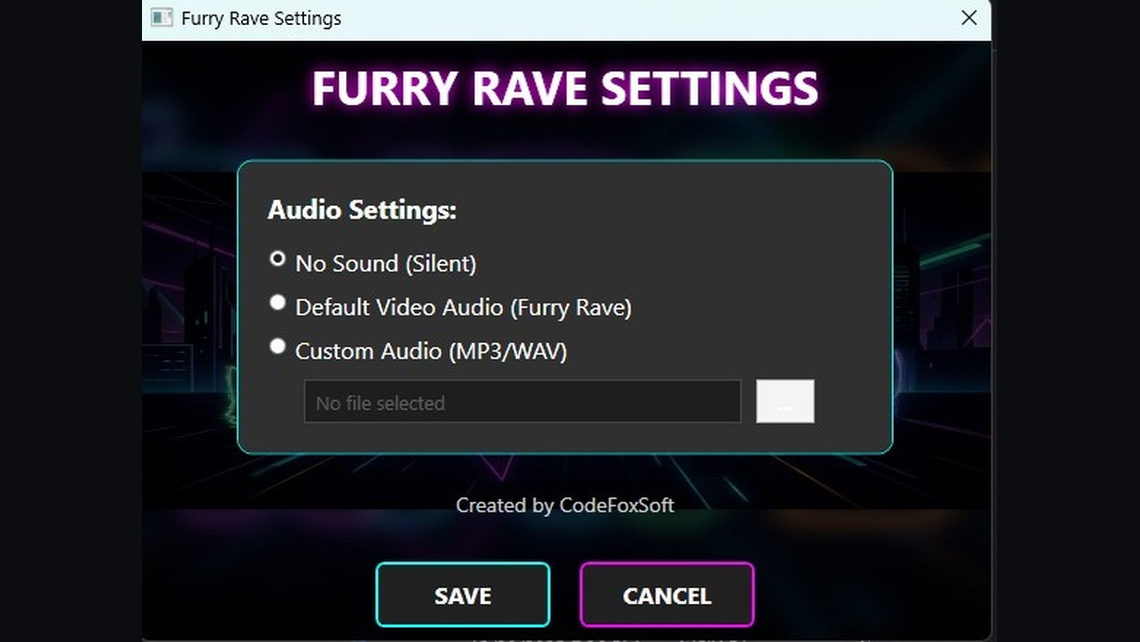
Custom Settings GUI
Access a dedicated settings panel directly from the Windows Screensaver dialog to customize your experience.
Sound Controls
Want the rave vibe with audio? Toggle sound on or off with a single click. Your preference is saved automatically.
Optimized Performance
Designed with a "native" feel to ensure minimal CPU and GPU usage while your computer is idle.
Features at a Glance
- Seamless Looping: Perfect synchronization for an infinite party.
- Audio Toggle: Default OFF for peace, toggle ON for energy.
- Modern Deployment: Packaged as a standard Windows executable for easy installation and updates.
- CodeFoxSoft Credits: Built with the signature attention to detail and care you expect from us.