SynkrFox — Download Info
Download SynkrFoxProject Screenshots
System Requirements
- Windows 10 or Windows 11/ Mac OSX / Linux
- Memory: 1 GB RAM
- Storage: ~300MB available space
- Optional: External drive, USB stick, or backup destination
Installation Instructions
- Download the installer for your OS
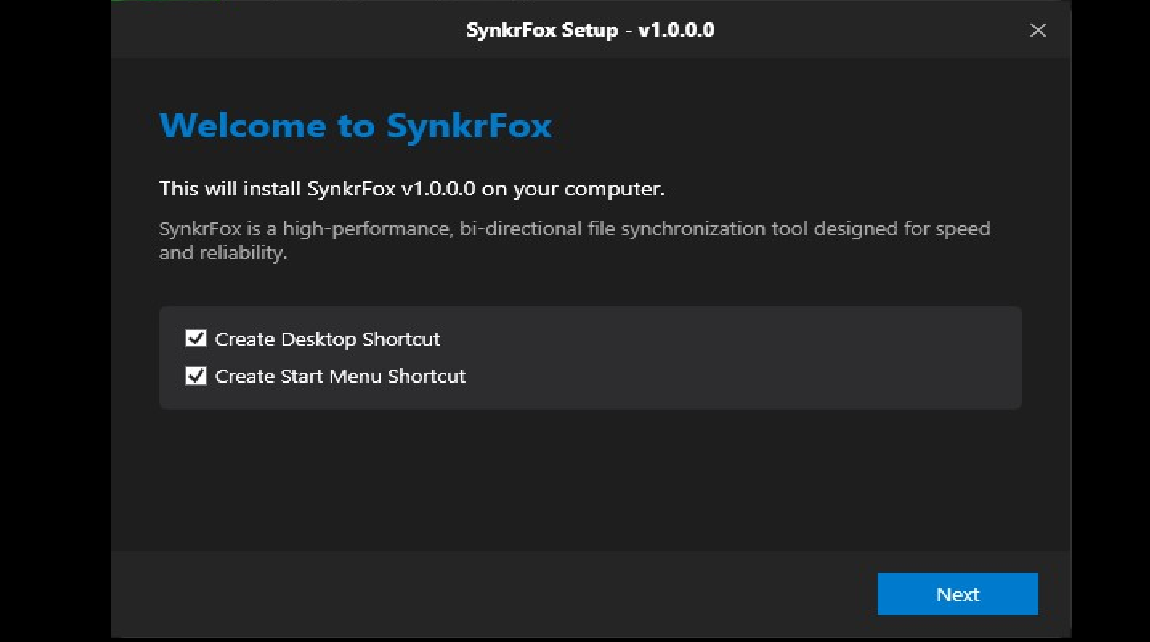
- Run SynkrFox Setup
- Choose your destination folder
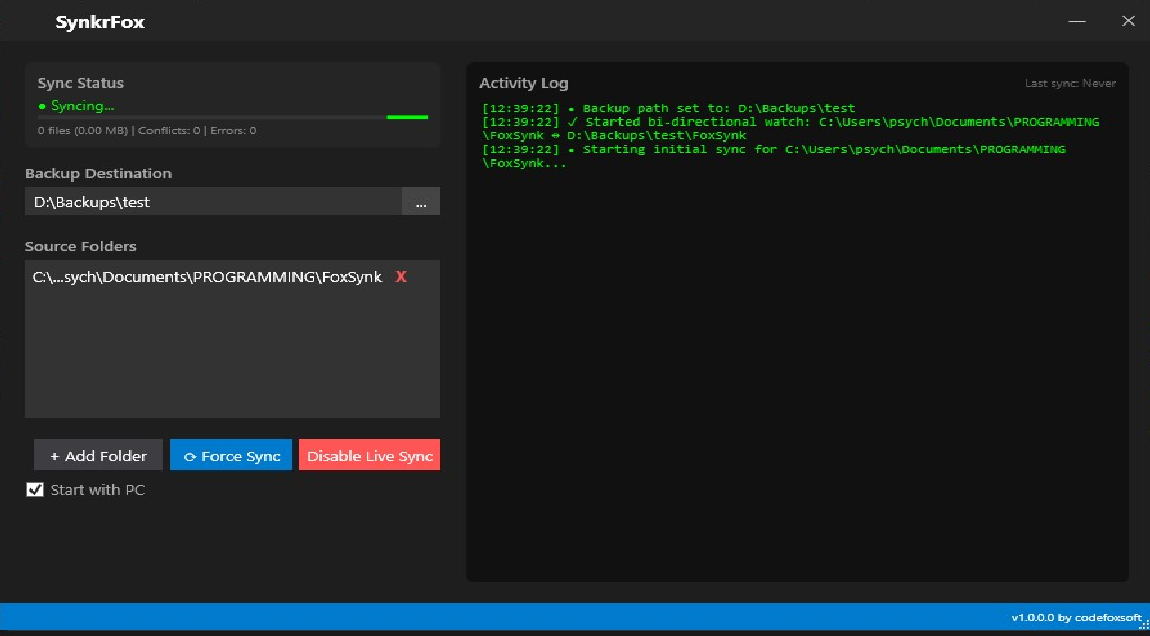
- Add the folders you want synced
- Start syncing instantly
Why You’ll Love SynkrFox
SynkrFox was built for creators, developers, and anyone tired of dragging files to a flash drive every day. It delivers real‑time, bidirectional syncing between your PC folders and any destination — USB drive, external SSD, NAS, or cloud‑synced directory.
Effortless Multi‑Folder Sync
Pick as many source folders as you want. SynkrFox keeps them all mirrored to one clean destination automatically.
Real‑Time Updates
Every change — new file, edit, or delete — is detected instantly and synced both ways. No more wondering if you backed something up.
Cross‑Platform Friendly
Your destination can be anything: another Windows PC, a Linux share, a cloud folder, or a portable drive. SynkrFox adapts to your workflow.
Start With Your PC
Initialize the sync using your PC as the authoritative source, then maintain perfect parity afterward.
How It Works
The workflow is simple, but the sync engine is powerful:
- Select Destination — Choose where your synced data will live.
- Add Folders — Pick any number of folders from anywhere on your system.
- Sync Automatically — SynkrFox watches for changes and mirrors them instantly.
- Stay Organized — Everything ends up in one unified location without manual copying.
From the Developer
I built SynkrFox because I was tired of dragging the same folders onto a flash drive every day. I work across dozens of directories, and manual backup became a chore that slowed me down.
SynkrFox fixes that.
It’s clean, fast, and automatic — a tool that quietly protects your work while you focus on creating. Whether you’re coding, designing, writing, or managing projects, SynkrFox keeps everything safe, current, and in sync.